Personalization · Claude
S01E14: Claude as a co-worker: How to collaborate with AI all day
How Jennifer Aniston’s LolaVie brand grew sales 40% with CTV ads

The DTC beauty category is crowded. To break through, Jennifer Aniston’s brand LolaVie, worked with Roku Ads Manager to easily set up, test, and optimize CTV ad creatives. The campaign helped drive a big lift in sales and customer growth, helping LolaVie break through in the crowded beauty category.
Housekeeping
Before I get into this week’s issue, I wanted to take a moment to thank you for being a reader of Selling with AI! I appreciate you going on this journey with me.
I also wanted to invite you to revisit sellingwithai.vip - as I have given the site a pretty drastic upgrade in appearance. Let me know what you think by clicking reply on this email.
Again, I am so very thankful for each and every one of you. Keep the content recommendations coming.
I have had a ton of requests come in asking me to cover specific tools… I even had one person asking me to help them set up their own Jarvis. I am working with this reader now and he is very excited to get started.
I read and reply to every single email that comes in from my subscribers.
Claude as a Co-worker: How to Collaborate with AI All Day
Most people open an AI chat… ask it something… then close the tab.
That's not collaboration. That’s a fancier Google search.
I used to do the same thing. Paste a prompt. Get output. Move on. Wonder why AI wasn't changing how I worked.
The shift happened when I stopped treating Claude like a tool and started treating it like a co-worker.
A co-worker who's already read everything about your accounts., who remembers your methodologies, who never needs context repeated, who's available at 6am before your first call and at 10pm when you're prepping for tomorrow.
That's what Claude can be. But only if you set it up that way.
The chat window problem
Here's what most reps do.
They open a new chat. Type something vague. Get generic output. Close the tab.
Next day they open a new chat. Explain who they are and what they sell. Again. Get more generic output. Close the tab.
Every session starts from zero.
That's the problem. Not Claude. Not the prompts. The setup.
A co-worker doesn't need you to re-introduce yourself every morning. They already know who you are, what you're working on, and how you like to communicate.
Claude can work the same way. Most reps never get there because they skip the setup.

What changes when you set it up properly
Last week I covered Projects. This is where it pays off.
When you load your Project with real context, your entire relationship with Claude changes.
I have mine loaded with my ICP, the problems I solve, my MEDDPICC framework, my writing style, and notes on my active accounts. Every chat I open inside that project starts with Claude already knowing all of it.
I don't explain what I sell. I don't re-explain what MEDDPICC is. I don't paste my tone guidelines every time I need an email.
I just ask. It already knows.
That's the difference between a chat window and a co-worker.
How I actually use Claude throughout the day
This is what it looks like in practice.

Before the first call. I open a chat inside my Sales Project. I paste in what I know about the company: recent news, hiring signals, what the contact said when they booked the meeting. I ask Claude to build a prep brief and give me the questions most likely to surface budget authority and urgency. Takes three minutes. I walk into the call knowing exactly what I'm going for.
During prospecting blocks. I don't write cold emails from scratch. I paste a quick summary of the account, tell Claude who I'm reaching out to, and ask for three versions of a first message: a LinkedIn connection request, a DM after they accept, and a cold email. It already knows my voice from the project context. The output is close enough to send after one read.
After calls. I paste my notes in and ask Claude to identify the MEDDPICC gaps. What did I learn? What's still missing? What should I focus on in the next conversation? It doesn't just summarize. It tells me where the deal is weak and what I need to find out.
When I'm stuck on a deal. I describe the situation. What's happened, who's involved, where it's stalled. I ask Claude what I'm missing and what it would do next. Not because I'm going to follow its advice blindly. Because talking through a problem out loud, even with AI, forces you to see it differently.
When I'm writing anything. Follow-up emails. LinkedIn posts. Call agendas. I don't start with a blank page. I start with Claude. Give it the context, tell it what the output needs to do, let it draft. Then I make it mine.
That's a full day of collaboration. Not one prompt. Not one use case. Claude woven into the work as it's happening.
The mindset shift that makes it click

There's a phrase I keep coming back to.
You wouldn't hire a brilliant assistant and only ask them one question per week.
That's what most people do with Claude.
The reps getting real leverage out of AI aren't using it for one task. They're using it as a thinking partner across everything. Research. Writing. Strategy. Deal review. Prep. Follow-up.
The more you bring it into your workflow, the more valuable it gets. Because it builds context. It learns how you think. It stops feeling like a tool and starts feeling like the smartest person in your corner.

That's what the subtitle of this issue means.
Claude is not a chat window.
It's a thinking partner, a research assistant, and a second brain. But only if you set it up properly.
Last issue you set it up. This issue is about how to actually live in it.
What's next
Last issue of the this 3-part Claude mini-series next week.
We're going deep on advanced workflows: building a skills library, automating your most repetitive tasks, and running your entire sales process from inside Claude without starting from scratch every time.
The paid section below has three copy/paste prompts that cover the core collaboration workflows: account research, prospecting outreach, and discovery prep. Each one is built around the four-part structure from this issue. Fill in the brackets, run it, see what comes back.
Members Section
Your ads ran overnight. Nobody was watching. Except Viktor.
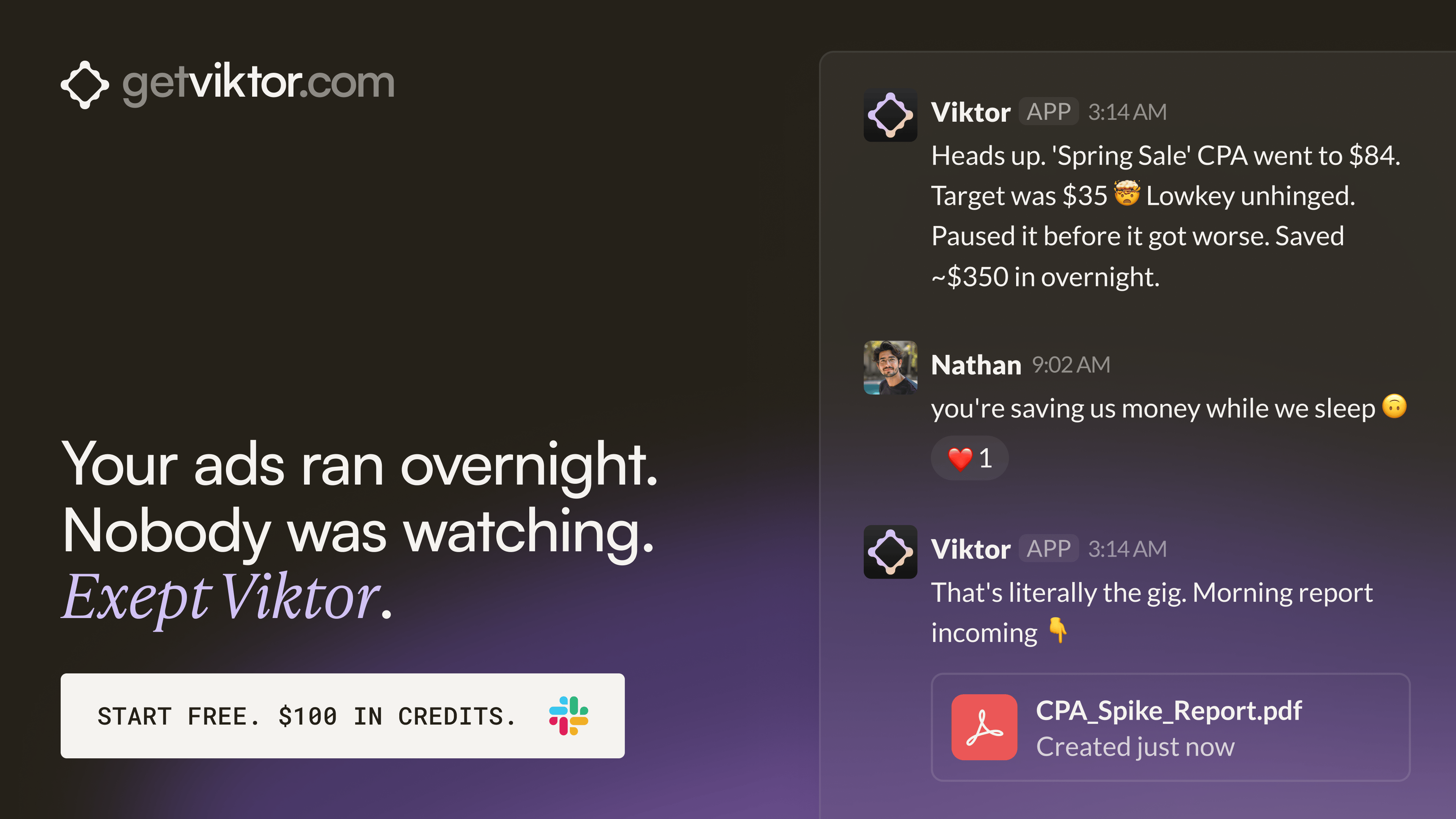
One brand built 30+ landing pages through Viktor without a single developer.
Each page mapped to a specific ad group. All deployed within hours. Viktor wrote the code and shipped every one from a Slack message.
That same team has Viktor monitoring ad accounts across the portfolio and posting performance briefs before the day starts. One colleague. Always on. Across every account.

You just read the motion. Now run it.
The prompts, checklists, and templates that turn this into a 10-minute execution are in the Vault.
Get Vault Access Translation missing: en.app.shared.conjuction.or Sign In
Vault access includes:
- Copy and paste execution prompt packs
- Deal, outbound, and follow-up playbooks
- Operating checklists for every motion
- Members Vault access